

Your profile
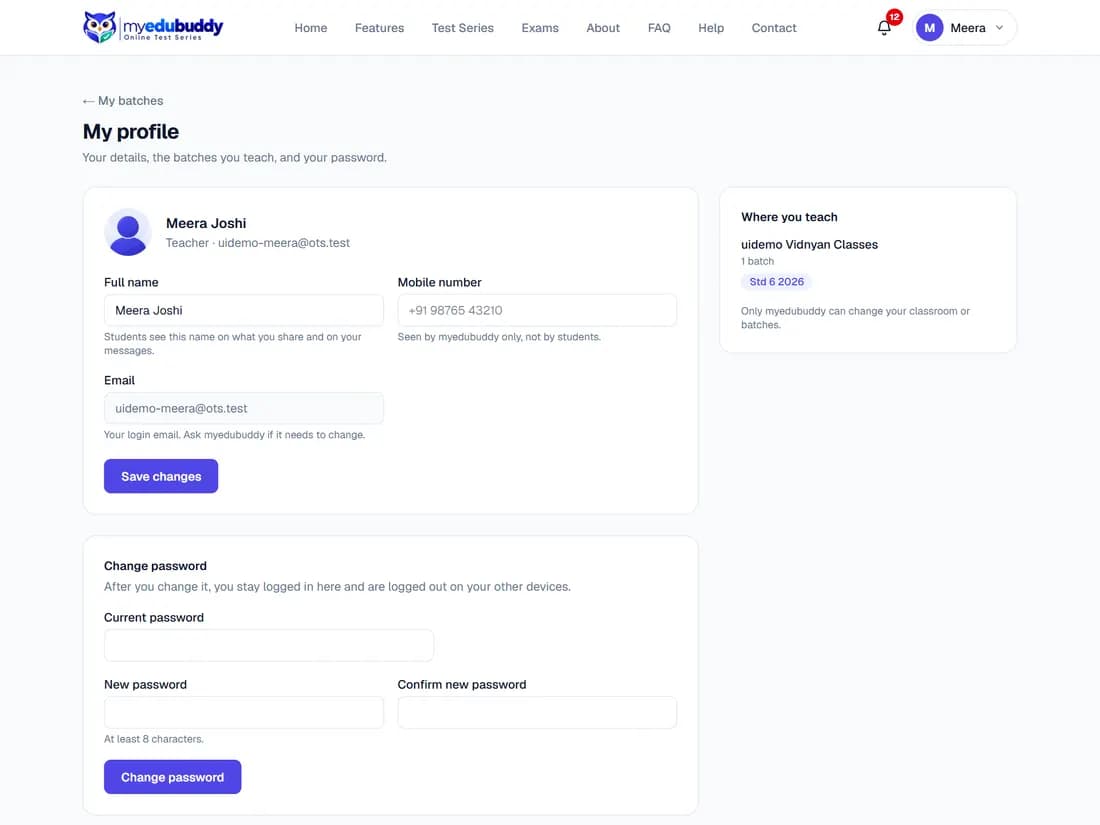
Profile (in your account menu at the top right) shows your name (students see it on what you share), your mobile number (seen by myedubuddy only), your login email, the password form, and where you teach. Only myedubuddy can change your classroom or batches.
Greetings and news by email switches off (or back on) myedubuddy's occasional festival greetings and news; the Unsubscribe link in such an email does the same.
Delete account at the bottom deletes your account (in the app: Profile, then Delete my account). Your details, sessions and batch assignments are deleted at once. The homework, notes, quizzes and posts you shared, and your messages, stay in the classroom under "Former teacher", because your students rely on them.
Still stuck? Write to us or read the FAQ. This page follows the User Guide of 22 October 2026.