

Features
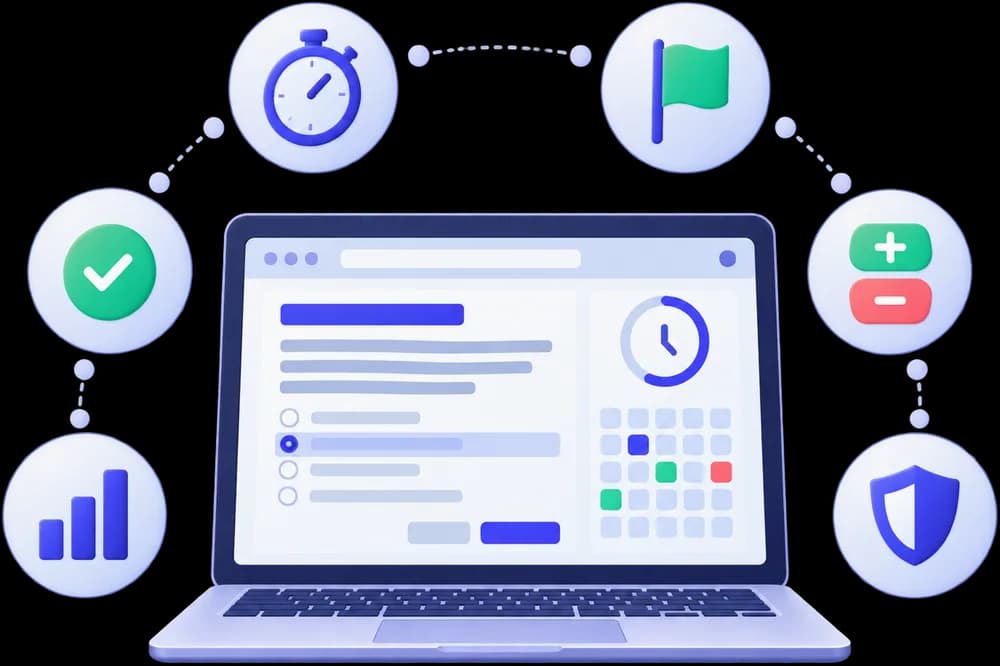
A test experience that matches the real exam
Every feature below exists because it changes how you prepare — not because it looks good on a page.
01 · Take the test
Exam engine
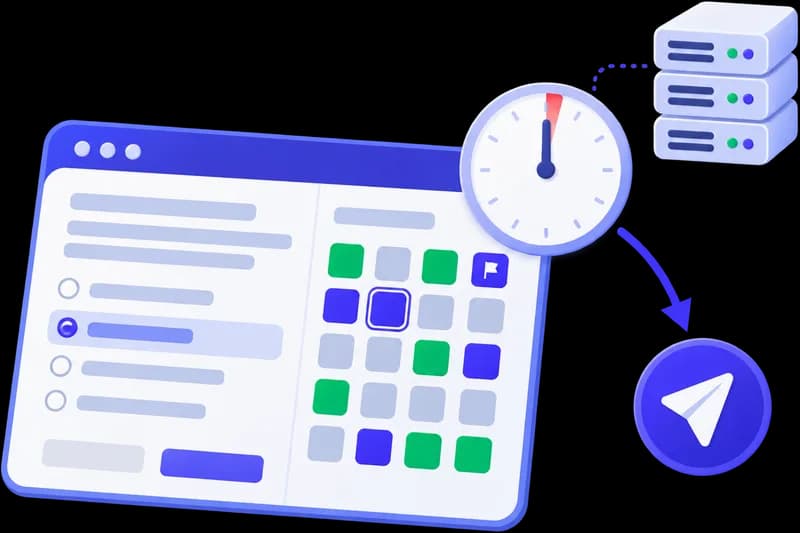
A clear exam screen with the controls you need to work through a paper in any order. The practice papers have no time limit; timed tests use a server-kept clock.
Question palette
See every question's status at a glance: not visited, not answered, answered, marked for review, or answered and marked.
Save & Next, Clear, Mark for Review
Move through the paper with the same controls as real computer-based exams, and change your mind whenever you need to.
Server-timed countdown
On timed tests, the clock runs on our servers, so closing the tab or losing your connection neither pauses nor extends it.
Automatic submission
When a timed test runs out of time, it submits itself with every answer you've saved so far.
02 · Get marked
Marking & scoring
Every test is marked exactly the way its exam is, so your practice score means something.
Single & multiple-correct MCQs
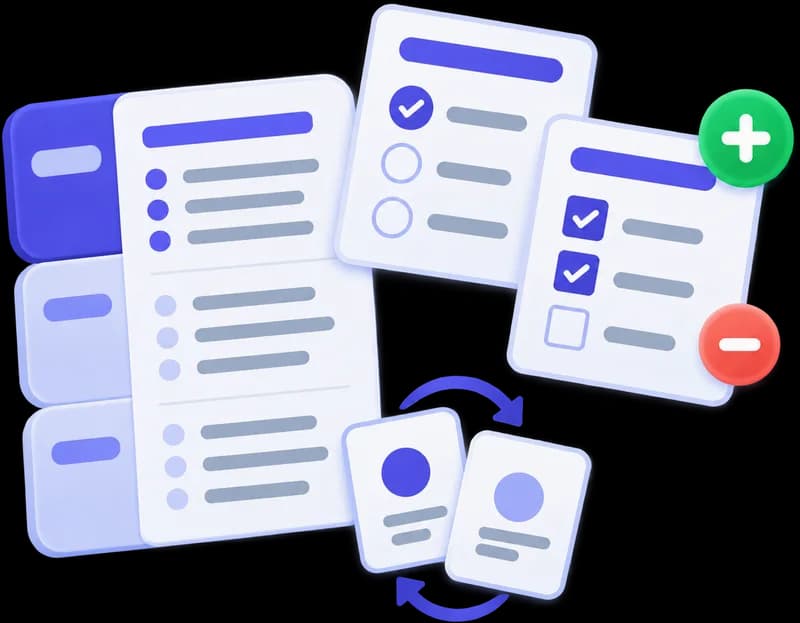
Questions with one right answer or several, each scored by the rules set for that test.
Positive & negative marking
Each question carries its own marks and negative marks, matched to the real exam's pattern.
Marks shown before you start
The instructions page lists the questions, time and maximum marks, and every question shows what it's worth.
Fair, reproducible shuffling
When a test shuffles questions or options, the exact order you saw is saved, so your result always matches your attempt.
03 · Understand your results
Results & analytics
More than a single score: see where the marks went and how you're improving over time.
Instant score breakdown
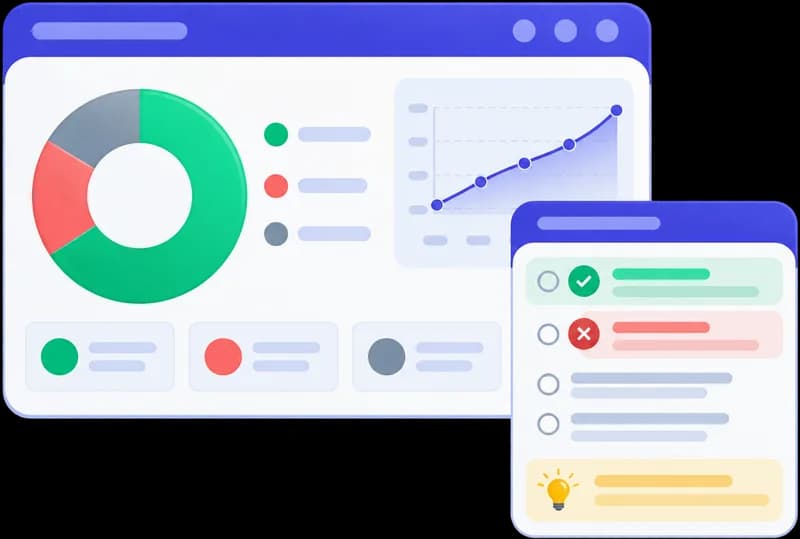
Score, accuracy, and correct, incorrect and unanswered counts the moment results are released.
Subject & topic performance
Accuracy for every subject and topic across all your tests, so you know what to study next.
Score trend
Follow your scores from test to test and see whether your preparation is paying off.
Time per question
Your average time per question shows whether speed, not knowledge, is costing you marks.
04 · Learn from mistakes
Review & revision
Every attempt becomes study material: the right answers, the reasons behind them, and a copy to keep.
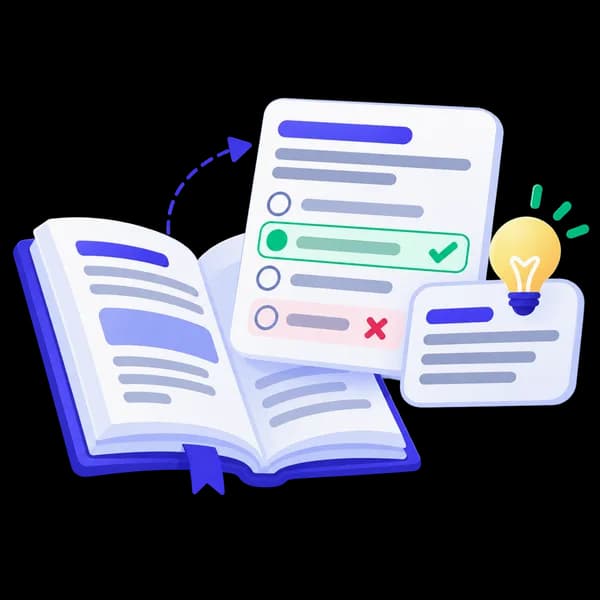
Answers with explanations
Each question shows your answer beside the correct one, with an explanation of why it's right.
Focus on your mistakes
Filter the review to incorrect or unanswered questions, and jump straight to any question number.
Protected question papers
Questions cannot be copied, printed or captured, so every student meets them fresh. Your review stays on the website and the app, ready whenever you revise.
Questions with diagrams
Diagram-based questions appear in full in the test and in the review, exactly as you saw them.

Ready to try it yourself?
Create a free account and take your first mock test in minutes. No payment details needed.