

The batch page
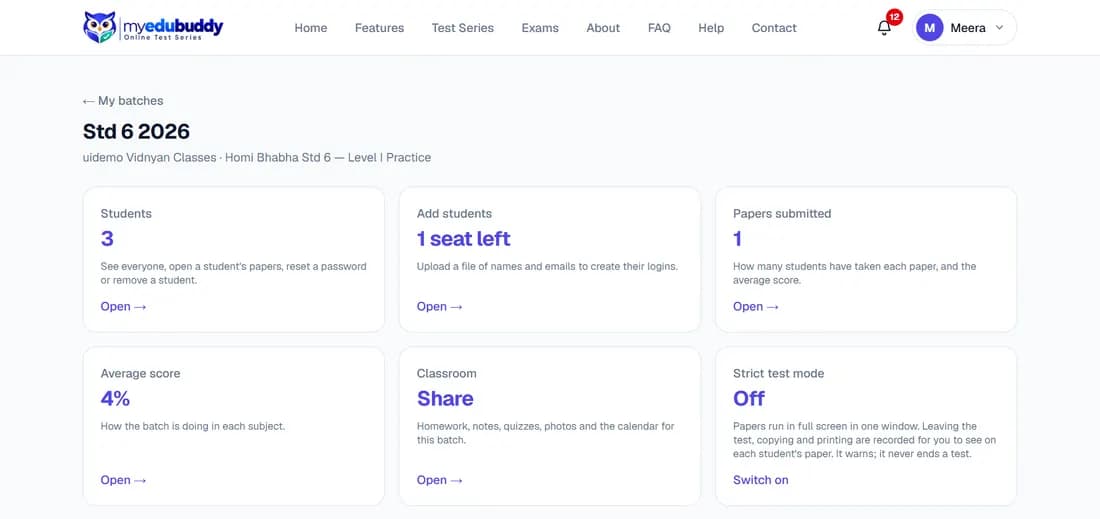
The batch page has six cards. Select a card to open it; the sixth is a switch.
| Card | What is behind it |
|---|---|
| Students | Everyone in the batch, their papers, password reset and removal |
| Add students | Add one student, add students who are already registered, or upload a file |
| Papers submitted | How many students have taken each paper, and the average score |
| Average score | How the batch is doing in each subject |
| Classroom | Homework, notes, quizzes, photos and the calendar for this batch |
| Strict test mode | A switch, not a page: watches how this batch's students take their papers (see Strict test mode) |
Still stuck? Write to us or read the FAQ. This page follows the User Guide of 22 October 2026.