

Your dashboard
The dashboard is the first page after you log in. The tabs under the title take you everywhere: Overview, My Classroom (only if you are in a classroom), Available Tests, My Tests, Performance, Notifications and Profile.
The Overview shows your classroom's latest posts, four numbers (series enrolled, tests completed, average accuracy, unread notifications), your test series, recent activity and recent scores.
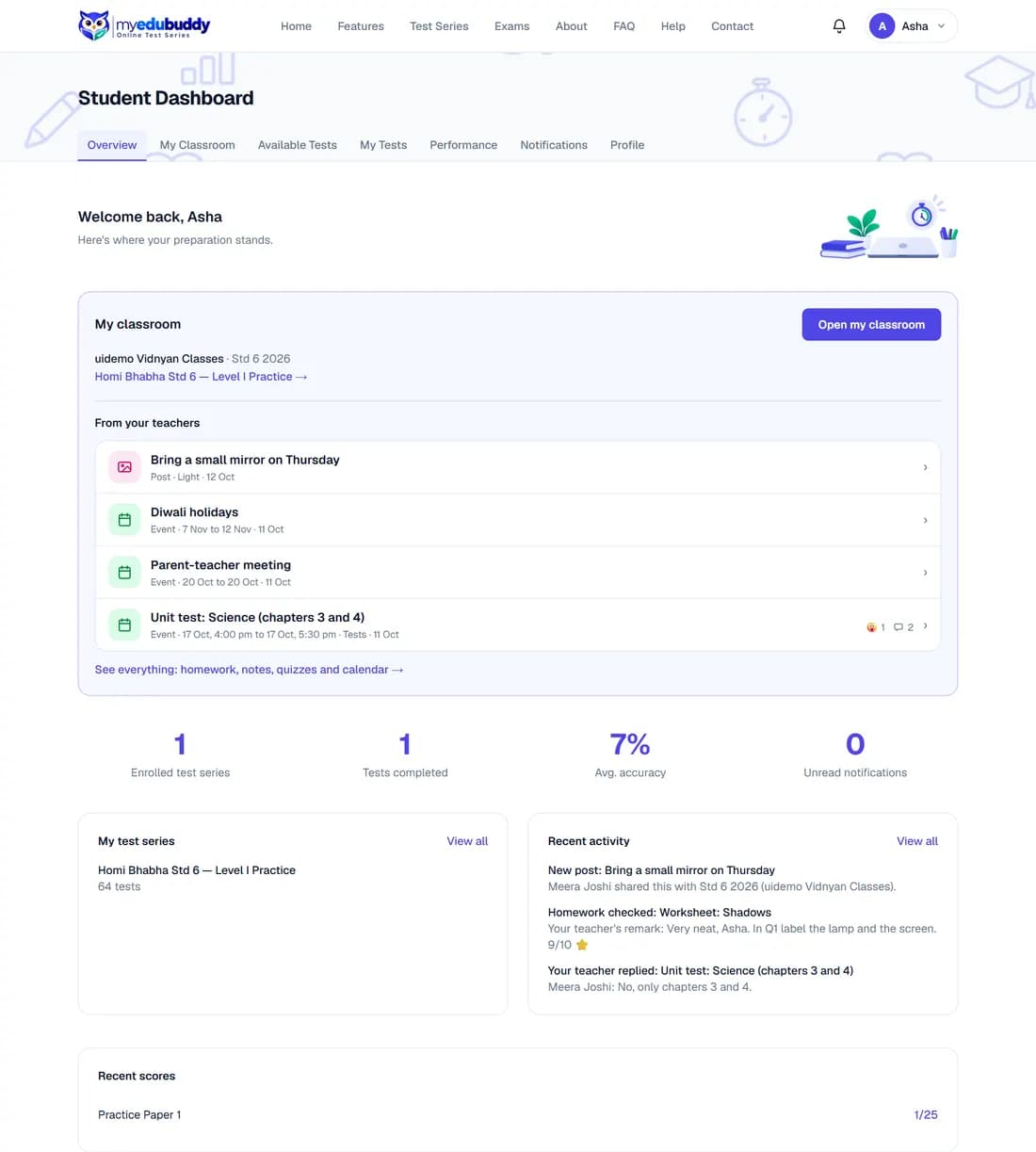
The first time you log in, a short guided tour shows you these parts one by one. The Help button at the bottom right of every page runs it again and lists the guides for the page you are on.
Still stuck? Write to us or read the FAQ. This page follows the User Guide of 22 October 2026.