

Create an account
Do this only if you are joining on your own. If your coaching class added you, skip to First login with a temporary password: your account already exists.
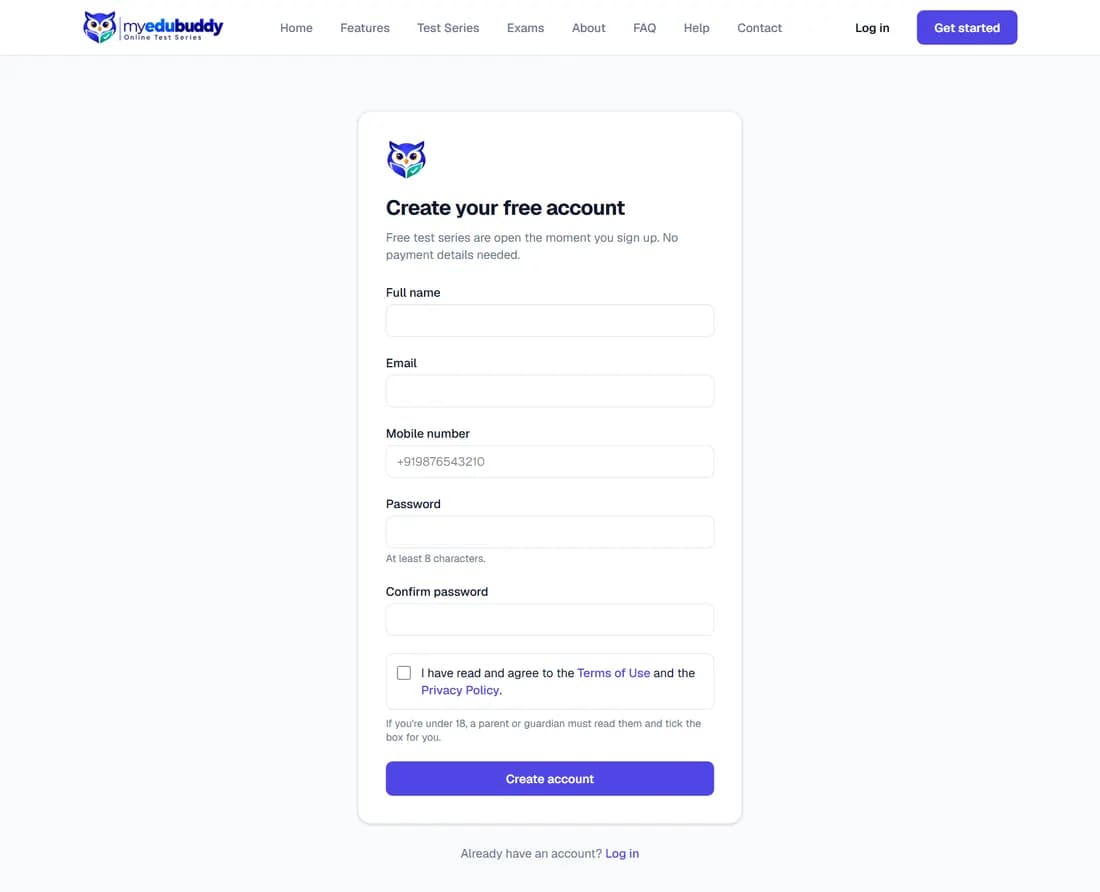
- Step 1: Open the website and select Get started.
- Step 2: Enter your full name, email, mobile number and a password of at least 8 characters.
- Step 3: Read the Terms of Use and the Privacy Policy (each opens in a new tab) and tick I have read and agree. The account is not created without the tick.
- Step 4: Select Create account. You are taken to your dashboard.
A new account starts waiting for verification. When you enrol in a test series, two of its papers, picked at random, open straight away; your dashboard lists them. myedubuddy checks each new account and verifies it, and then every paper of your series opens. You get an email and a notification when that happens. Students added by a coaching class are verified from the start.
If you are under 18, a parent or guardian must read them and tick the box for you.
Still stuck? Write to us or read the FAQ. This page follows the User Guide of 22 October 2026.